

Instagram, TikTok and most social profiles give you one link. A link in bio for authors turns that one link into a small page with your new book, your newsletter, a free story and everything else. Author Links does that for free, and it is built from the details already on your author page.
Your page lives at authorbeta.com/your-name/links. Choose your author page address first; Author Links uses the same name.
Blocks you can add
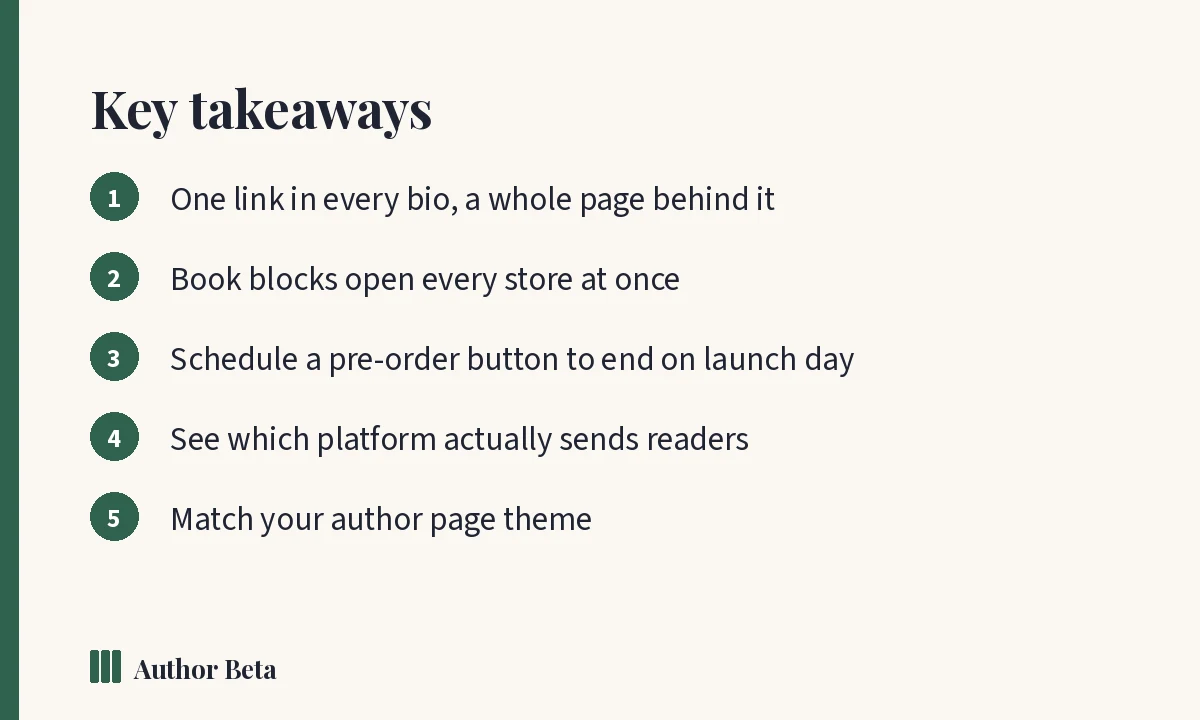
- Book: cover, title and one button to every store (your smart book link), with a countdown before release.
- Link button: any address, with your own button words, a small line under it and an emoji or small picture.
- Newsletter sign-up: your form, right on the page.
- Social icons: a row of icons from the links on your author page.
- Reader magnet: a free book or story readers claim with their email.
- Open beta read: shows only while a round is open.
- Latest blog posts, updated by themselves.
- Event: a signing, launch party, talk or convention, which hides itself the day after unless you say otherwise.
- Email me: readers write to your Author Beta address and never see your own email.
- Press kit, Section heading, Text and Divider.
- Featured card, Video (YouTube or Vimeo, with privacy-enhanced embedding), Booking page (Calendly or Cal.com) and Picture gallery (up to 10 pictures).
Drag blocks into order, hide one without deleting it, mark one as the Spotlight to draw the eye, and schedule a block to appear and disappear by itself, for example a pre-order button that switches off on launch day.
Design
Start from a theme (Classic, Noir, Rose, Parchment, Starlight, Minimal, Sunset, Ocean, Forest and more), choose how the top of the page looks and the shape of your photo, then make it yours: colours, a gradient or picture background, fonts, button shapes and styles, and an animation. The title and the line under it default to your pen name and headline.
A worked example
M.A. Kirkeby’s links page uses the Parchment theme, to match his author page. It opens with his three books, each with its own pitch and a read button, then his social icons and his press kit. A reader from Instagram is one tap from any of his books.
See what works
The stats show visits and clicks by day, which platform sent each reader (Instagram, TikTok, your newsletter, a QR code and more), how each one converts, and devices. Use it to learn where your readers actually come from, then spend your time there.
Sharing it
- Copy the link into your Instagram, TikTok, X, Threads, Bluesky and YouTube profiles.
- Use the QR code on bookmarks, posters and the back of your book.
- Search engines can read the page too: it tells them it is your profile, links back to your author page, and is listed in our sitemap.
Frequently asked questions
Is Author Links free?
Yes, including the themes, the design settings, scheduled blocks and the traffic stats. A separate links page for each pen name comes with Cliff Hanger.
Can I use it without an author page?
You need to choose your author page address first, because your links page uses the same name.
Does it track my readers?
It counts visits, clicks, sources and devices for you. It does not show you who your readers are.
Comments