

Your author platform is how readers, reviewers and booksellers find you. Good author platform tools make that easy. Building one used to mean hiring a web designer and juggling separate services for email, blogs and press materials. Author Beta's author platform tools put the essentials in one place, starting free.
Författarsida
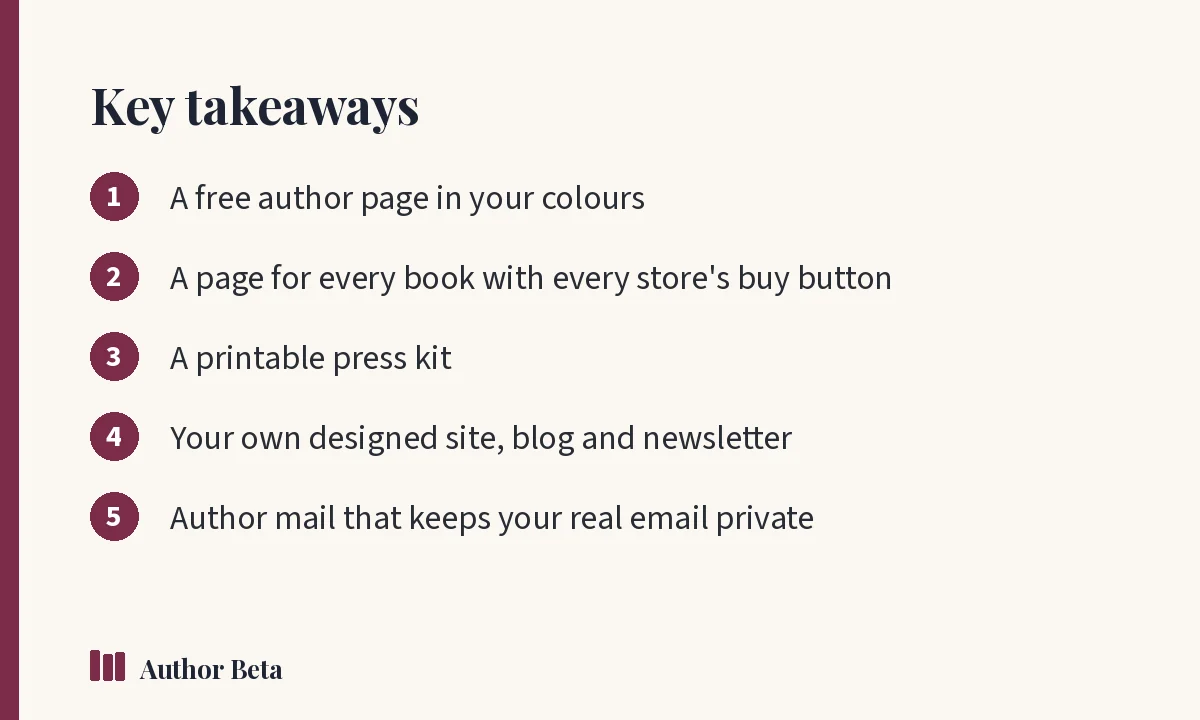
What it does for you. Your own address with bio, photo, every social and store link, in your colours.
How to use it. In the Dashboard, open Author page, add your details, choose your address and theme, and publish. Free for every author. See author page.
Why we built it. Every author needs a link to put everywhere. A good-looking page shouldn't cost money or take a weekend.
Boksidor
What it does for you. A page for every book: cover, pitch, countdown, buy buttons for every store, series order and reviews.
How to use it. Add a book in the Dashboard and fill in its page. Book pages are free. See book pages.
Why we built it. Sharing five store links is clumsy. One page per book, with every store's button, is easier for readers and for you.
Presskit
What it does for you. A printable kit for bloggers, bookshops, podcasts and events.
How to use it. It's built from your author page; open it from the Dashboard and print or share the link. See press kit.
Why we built it. When a podcaster or bookshop asks for "your materials," you should be able to send one link.
Din egen författarwebbplats
What it does for you. Design every page yourself, section by section, with no branding line.
How to use it. With Author Lite (up to five pages) or Cliff Hanger (no page limit), open Author site and build pages from sections. See author site.
Why we built it. Some authors outgrow a single page. A designed site gives you full control without learning web design. Read author website essentials for what to include.
Blogg
What it does for you. Posts on your own pages, with a visual editor, pictures, video, categories, search-engine settings, comments you approve, and an RSS feed.
How to use it. With Author Lite or Cliff Hanger, open Blog in the Dashboard. See blog.
Why we built it. A blog gives readers a reason to return between books and gives search engines more to find. This blog you're reading uses the same tools.
Anmälan till nyhetsbrev
What it does for you. A reader list of your own: sign-up on your author page, and issues you send.
How to use it. On a paid plan, turn on the newsletter, add sign-up to your page, and write issues. See newsletter and our guide to the author newsletter.
Why we built it. Your email list is the audience you own.
Författarmejl
What it does for you. Your own Author Beta address. Readers can write to you without seeing your real email.
How to use it. Turn it on with a paid plan. See author mail.
Why we built it. Authors want to hear from readers without exposing their personal inbox.
Choosing author platform tools
Whatever you use, your platform should be easy to update, work well on phones, and make your books easy to buy. Google's Search Central documentation explains how search engines find and show web pages, which is worth a look once your site is live.
Vanliga frågor
Is the author page free?
Yes. Every author gets a free author page, book pages and a press kit.
What's the difference between the author page and the author site?
The author page is one designed page with your details and books. The author site lets you build multiple pages section by section, with no branding line, on Author Lite or Cliff Hanger.
Can I use my own domain name?
Check Help for the current options for your author site address.
Kommentarer