

An author website is your home base online. When readers, reviewers, bookshops or journalists search for your name, it's where they should land. It doesn't need to be complicated. It needs to make your books easy to find and buy, and make you easy to contact.
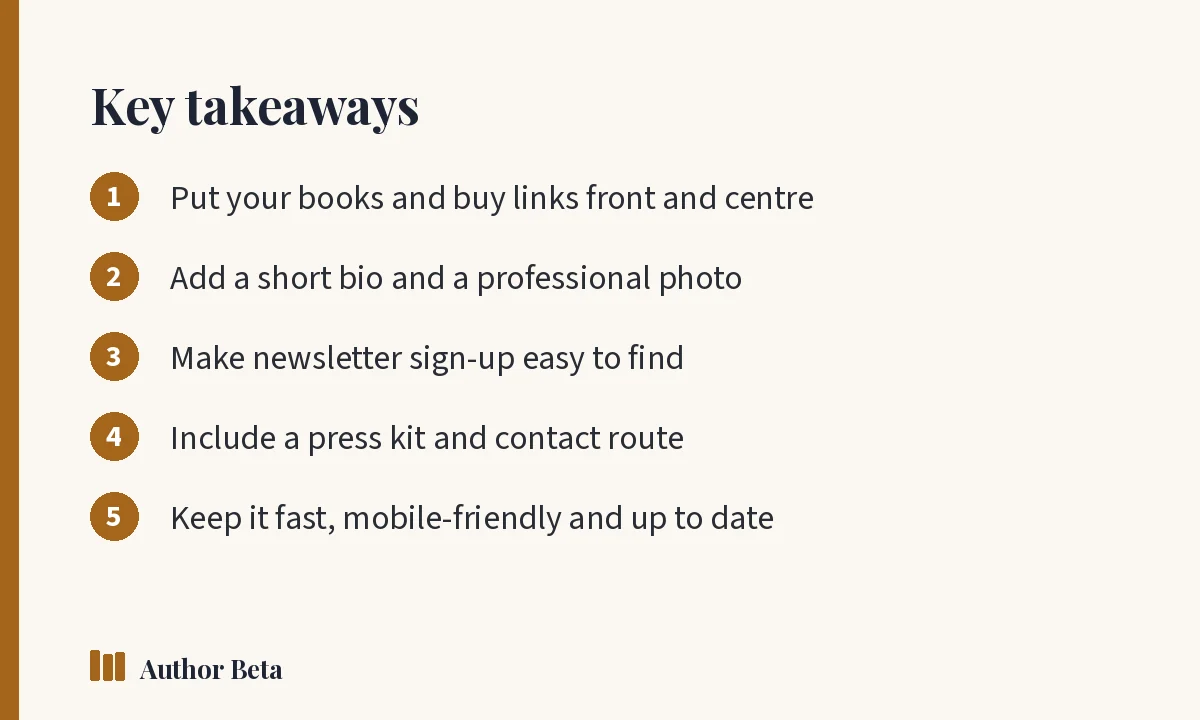
What every author website needs
1. Your books, with buy links
Each book should have its own page with the cover, a short pitch, the blurb, series information and buttons for every store where it's sold. For upcoming books, add a release date or countdown and pre-order links.
2. A short bio and photo
Readers like knowing who wrote the book. Write a short bio in third person (for press use) and perhaps a friendlier version in first person. Add a clear, professional photo.
3. Newsletter sign-up
Make it easy to join your list from every page, ideally with a reader magnet as an incentive.
4. A press kit
Bloggers, podcasters, bookshops and event organisers need your bio in several lengths, photos, book covers and contact details in one place. A printable press kit saves everyone time.
5. Contact information
A contact form or email address for readers and professional enquiries. Consider a separate address so your personal email stays private.
6. Optional extras
- A blog for news and extras
- Events and appearances
- Series reading order
- Reader resources such as book club guides
Author website and SEO basics
Search engines should be able to understand your site:
- Use your author name in page titles
- Give each book its own page with a descriptive title
- Write unique descriptions for each page
- Use alt text on images
- Make sure the site works well on phones and loads quickly
Google's Search Central documentation explains the basics of how search works.
Accessibility
An accessible site helps every visitor: readable font sizes, enough colour contrast, descriptive link text and alt text on images. Accessibility also tends to help search engines understand your content.
Keep it simple to maintain
A beautiful site that's out of date hurts more than a simple one that's current. Choose a setup you can update yourself in minutes when a new book comes out.
How Author Beta helps
Every Author Beta author gets a free author page with bio, photo, social and store links in your colours; a book page for every book with cover, pitch, countdown, buy buttons for every store, series order and reviews; and a printable press kit.
With Author Lite or Cliff Hanger, you can design your own author site page by page, add a blog, a newsletter, and author mail so readers can write to you without seeing your real email address.
Author website checklist
- [ ] Every book listed with cover, pitch and buy links
- [ ] Series order clear
- [ ] Bio and photo
- [ ] Newsletter sign-up on every page
- [ ] Press kit
- [ ] Contact route
- [ ] Works on phones and loads quickly
- [ ] Updated with the latest release
For the wider marketing picture, see book marketing for indie authors.
Common author website mistakes
- No buy links, or links to only one store
- Out-of-date information, such as a "coming soon" book that came out a year ago
- Hard-to-find newsletter sign-up buried at the bottom of one page
- Slow pages full of large images and plug-ins
- Text inside images, which search engines and screen readers can't read
- No clear next step on the homepage
Fixing these is usually quick, and each one helps readers who arrive from a search or a link in your bio.
Author website vs author page
An author page is a single page with your bio, links and books. An author website has several pages and more room for extras like a blog, events and reading guides. Many authors start with an author page and grow into a site.
Preguntas frecuentes
Do authors still need a website?
Yes. Social profiles come and go, but a website or author page under your control gives readers and professionals one reliable place to find you.
Should my author website be under my name or my book's name?
Usually your author name, since you'll write more than one book. Individual books get their own pages on the site.
What should be on an author's homepage?
Your latest or most important book, a short introduction, and a clear newsletter sign-up. Make the next step obvious.
Comentarios