

A good cover sells books; a bad one quietly loses them. The Cover Studio is a book cover maker built for authors: ebook, audiobook and full paperback or hardcover wraps with spine and back, using fonts and images you're licensed to use, with a pre-flight check before you upload to a store.
Here's each part, what it does for you, and why we built it. For the design principles behind a good cover, read our guide to book cover design.
Cover Studio
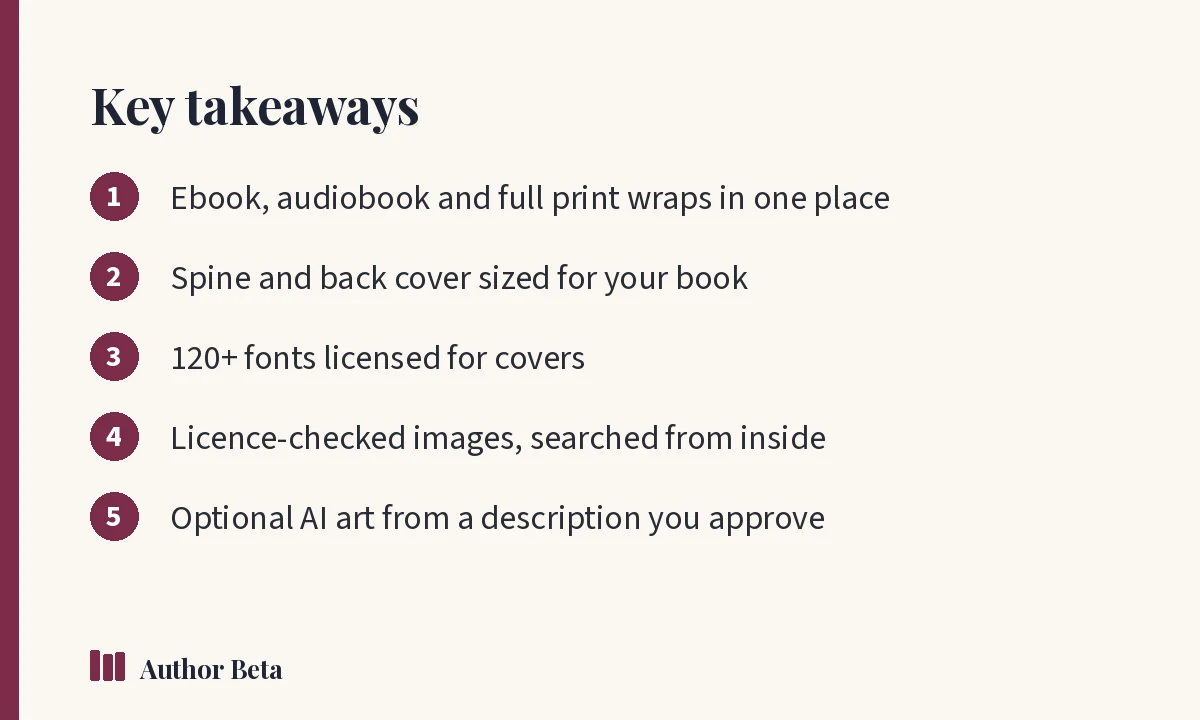
What it does for you. Ebook, audiobook and full paperback or hardcover wraps, with spine and back cover, print guides and a pre-flight check.
How to use it. Open the Cover Studio from the Writing Desk, choose the format, set trim size and page count for print, and design front, spine and back. Run the pre-flight check before exporting. The Cover Studio is part of the whole Writing Desk ($36 a year, or included in Author Lite and Cliff Hanger). See Cover Studio.
Why we built it. Print wraps are where many self-published covers go wrong: spine widths, bleed and safe zones. We wanted a book cover maker that handles those details for you.
Modèles
What it does for you. Hundreds of designs for authors: social posts, stories, ads, banners and book covers, filled in from your book.
How to use it. Open Templates from the marketing tools, pick a design and adjust it. See templates.
Why we built it. Authors need dozens of graphics for each launch. Starting from a design filled in with your book saves hours.
Éléments de couverture
What it does for you. Title blocks, name blocks, banners, badges, spine and back-cover blocks to drop onto any design.
Why we built it. Professional covers reuse proven layouts for type. Parts give you those building blocks.
Plus de 120 polices de couverture
What it does for you. Block, bubble, script, fantasy, sci-fi and horror lettering, free to use on covers.
Why we built it. Fonts are one of the most common licensing traps for indie covers. Every font in the studio is cleared for cover use.
Banque d’images gratuite
What it does for you. Free, licence-checked photos, museum art, space pictures and textures, searched from inside the Cover Studio.
How to use it. Search the library from the studio and place an image. Its source and licence are recorded. See image library.
Why we built it. Finding images you're allowed to use commercially is slow and risky. A checked library removes the guesswork.
Illustrations IA (facultatif)
What it does for you. Cover art from a description you write and approve, from your choice of picture engines. Only that description is sent.
How to use it. Write a description, approve it, and generate. See AI Artwork.
Why we built it this way. Some authors want AI art; others want nothing to do with it. Optional, with only your approved description sent, and your answers to stores' AI questions kept in your rights record.
Rights and disclosure record
Every picture, font and quotation you use is recorded with where it came from. That record matters if a store or reader ever asks, and for AI disclosure questions on stores.
Using a book cover maker well
Study bestsellers in your category, keep type readable at thumbnail size, and test options with readers. For the exact dimensions stores require, check the store's own guides, such as Amazon's KDP help pages.
Questions fréquentes
Is the Cover Studio free?
It's part of the whole Writing Desk ($36 a year), and included in Author Lite and Cliff Hanger.
Can I make a print cover with spine and back?
Yes. The studio builds full paperback and hardcover wraps with spine and back cover, with print guides and a pre-flight check.
Are the fonts and images safe to use commercially?
The fonts are free to use on covers, and the image library shows licence-checked images. Always keep your rights record, especially for images you add yourself.
Commentaires