

A page nobody finds sells nothing. Author page SEO sounds technical, but most of it is done for you here. Every public page you make on Author Beta is built to be read by search engines and linked from places readers already browse.
Where readers find you on Author Beta
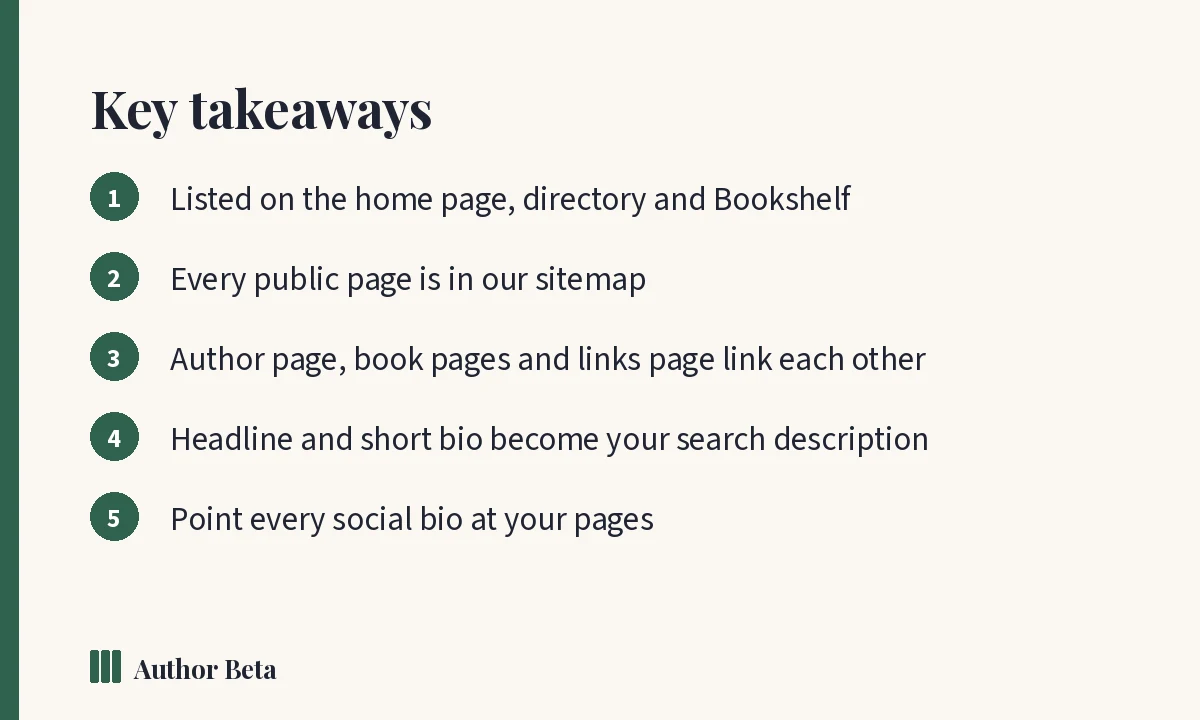
- The home page: our authors and their books appear in the “Our authors” section.
- The Authors directory: every public author page, A to Z, filtered by genre, with a name search. It is in the main menu for everyone.
- The Bookshelf: every book authors show on their pages, new and coming soon first. Authors who earn enough badges rotate through the Spotlight, which is earned and never bought.
- Open betas: your beta reads link back to your page.
- This blog: with your permission (the “Let Author Beta feature my page” setting), we feature authors, covers and published reviews in our own posts and newsletters.
What we tell search engines for you
- Every public author page, book page, press kit and links page is listed in our sitemap, so search engines find new pages quickly.
- Your author page tells them who you are, which books you wrote, and your other profiles (your links), so your name connects to your books.
- Each book page tells them the book’s title, author, cover, description and series.
- Your links page tells them it is your profile and links back to your author page.
- Each page has a clear title, a description and one official address, so search engines do not split your page into copies.
Cross-links: every page points to the others
Look at M.A. Kirkeby: his author page links to each book page; each book page links back to him; his links page links to his books and his author page; his press kit links to all of them. Search engines follow those links, and each page lends weight to the rest. When his social profiles point at his links page, outside sites join in too.
Five things that help most
- Fill in your headline and short bio. They become your page’s description in search results.
- Complete every book page: cover, pitch, description, series. Empty pages have nothing to rank for.
- Add your links. Your website, Amazon author page and social profiles tell search engines which online profiles are you.
- Point your bios at your pages. Use your Author Links address in every social bio and your author page in your Amazon and Goodreads profiles.
- Keep it current. A new book, a new review, a new event: updated pages are visited more often by search engines.
What we never do
Nothing private appears on a public page: not your manuscript, not reader notes, not a reader’s private feedback. Pages you have not switched on stay private, and you can ask search engines not to list your links page with one setting.
Frequently asked questions
How long until my page shows up in Google?
It varies from days to weeks. Being in our sitemap and linked from the directory and Bookshelf helps search engines find it sooner.
Does my author page compete with my own website?
They work together. Link each to the other: your website gains a link from a related site, and readers find you from both.
Can I stop my page being listed?
Untick “Show my author page publicly” to take it down. Your links page has its own setting to ask search engines not to list it.
Comments