

A book page is the one address you can put everywhere for a single book: cover, pitch, description, series and a button for every store. On Author Beta it is also the source the marketing tools read from, so a complete book page makes every post, graphic and campaign better without extra typing.
Where to find it
Open Dashboard → Author page and scroll to Your books. Each book has its own form and its own Save book button. To add a book that is already out or coming soon, use Add a published book; no manuscript is needed.
Every field, and what it does
- Show on my author page: makes the book and its page public.
- Genre: shown on the page, used by the Bookshelf filter, and filled into marketing posts.
- Status: Available now or Coming soon.
- Release date: a future date shows a countdown on your links page and fills “{date}” in posts.
- Order: lower numbers show first on your author page.
- Series and Book number: books in the same series are grouped together, and search engines are told the book is part of a series.
- ISBN: optional. Store details (keywords, ISBNs, prices) belong in the Book Record.
- Book page address: the last part of the link, with a copy button and a QR code for bookmarks, flyers, signings and the back of your book.
- One-line pitch: the hook shown under the title.
- Description: the back-cover copy. Leave it empty to use the description from the book’s latest beta read.
- Cover: upload one, or use the cover from its beta read.
- Where to buy or follow it: Amazon, Apple Books, Barnes & Noble, Kobo, Google Play, Bookshop.org, Audible, Goodreads, Books2Read, Smashwords, Spotify audiobook, Libro.fm and your own website, plus up to six links with your own label.
- Published as: if you write under more than one name, choose the pen name. The book then shows on that name’s page.
A worked example
M.A. Kirkeby’s A Father Among Gods shows the pattern: status “Available now”, The Hearthborn Saga, book 1, and a pitch that fits on one line: “A warrior may stand before kings. A father may stand before gods.” His other two books, Salt Dogs and Odin and Jesus: Sin City, each sit in their own series, so his author page groups them under Wild Magic USA and The Adventures of Odin and Jesus.
How the marketing tools use your book page
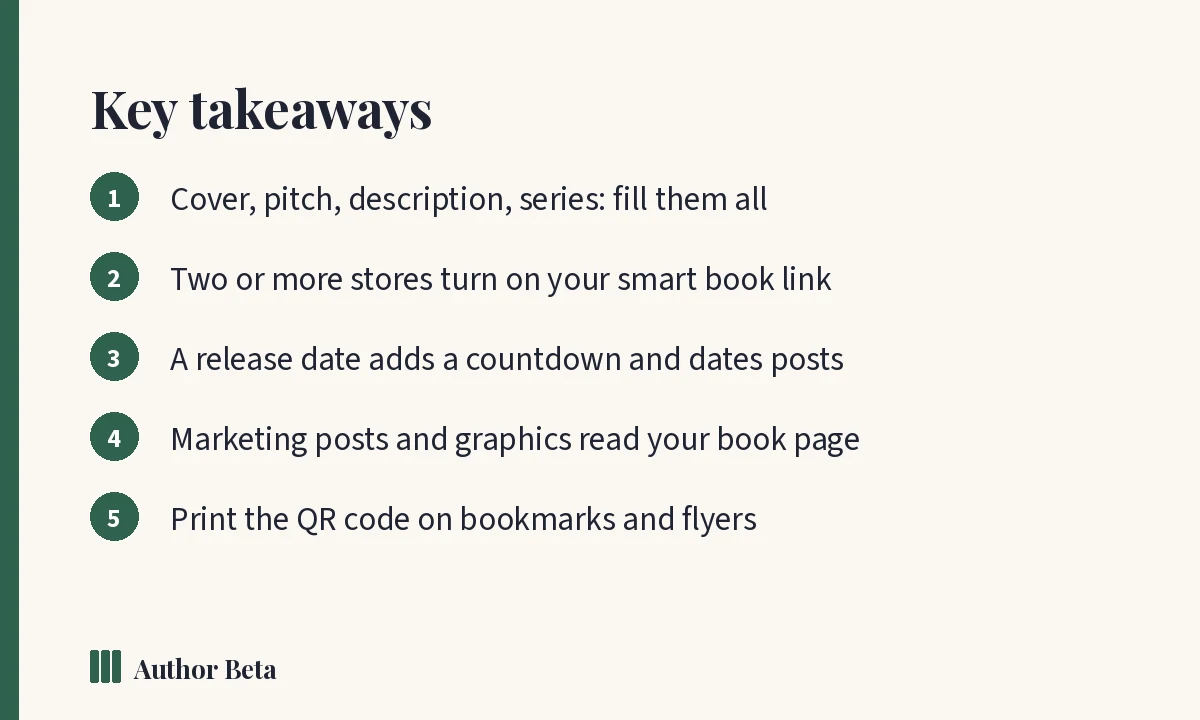
This is where a complete page pays off. When you pick a book in Marketing, the tools fill in its details for you:
- Post drafts fill in the title, pitch, release date, series and genre, and the book page as the link.
- The buy link: with two or more stores listed, posts use your smart book link, one short link that shows every store and counts which store readers choose. With one store, they link straight to it.
- Templates drop in your cover, title, pitch, release countdown and published reviews, ready for every network.
- Author Links: a Book block shows the cover and one button to every store, with a countdown before release.
- Campaigns and launch plans date every post and task around the release date.
- Pitch Kit adds your hook, comparisons and tropes to the same drafts.
When you view your own book page signed in, a bar only you can see offers shortcuts straight into those tools: promote this book, write a post, make a social graphic, plan a price promotion, send review copies or give away an ePub.
A quick checklist
- [ ] Cover uploaded
- [ ] One-line pitch written
- [ ] Description pasted (or taken from the beta read)
- [ ] Series and book number set
- [ ] Release date set for a coming-soon book
- [ ] At least two store links, so the smart link can work
- [ ] Show on my author page ticked
Frequently asked questions
Do I need to upload my manuscript to get a book page?
No. Use Add a published book for any book that is out or coming soon.
What is a smart book link?
One short link for a book that shows every store you listed, and counts how many readers chose each one. No cookies, and bots and link previews are not counted.
Can a book page show reviews?
Yes. Reviews readers leave after a beta read appear once you publish them from the round’s panel.
Comments