

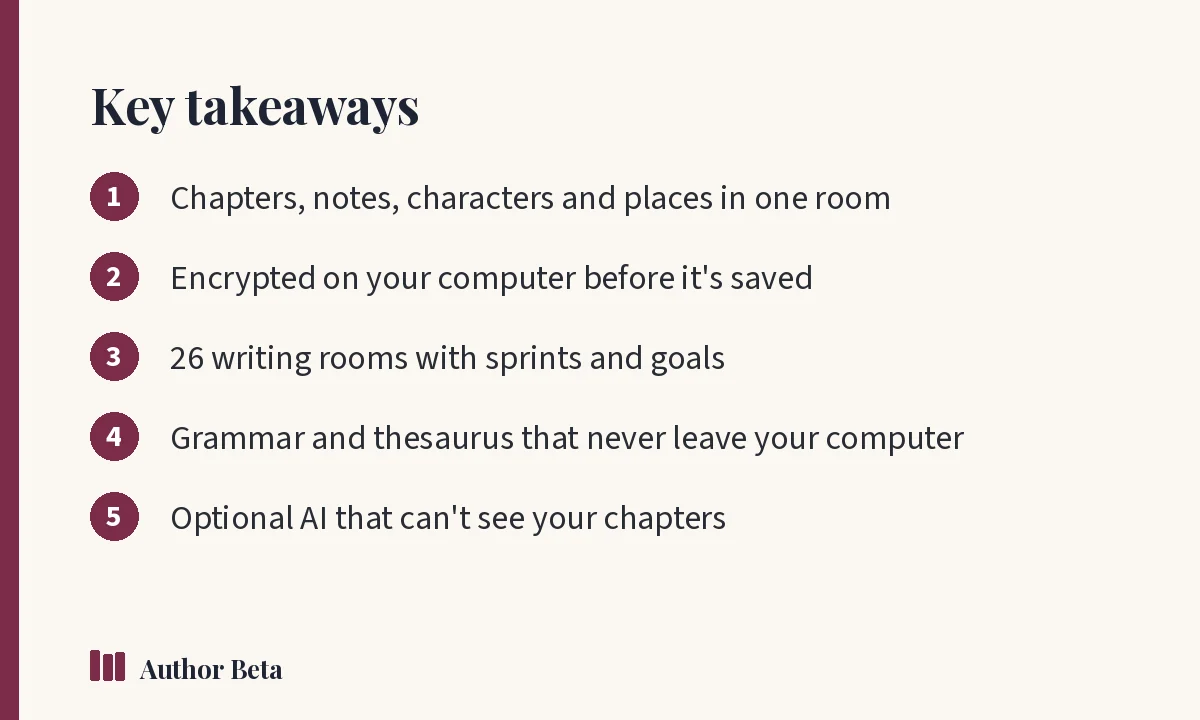
Most novel writing software asks you to choose between powerful and private. The Writing Desk is built to be both: a calm room in your browser for every chapter, with your characters, places and plot threads beside you, encrypted on your own computer before anything is saved.
Unlike most novel writing software, it can't read your book. This article walks through each part of the desk: the value it gives you, how to use it, and why we built it.
The Writing Desk: novel writing software for the whole book
What it does for you. The desk holds every chapter and scene of your book, or a whole series, in one project. On the left are your chapters and the tools; on the right, the Inspector shows details of whatever's open: status, point of view, place, synopsis, a word target, notes, and the characters and places named in the text.
How to use it. Sign in, open the Writing Desk and choose New project. Give it a title, choose a single book or a series, and start typing. It saves as you go. Free accounts get one project with one chapter and can try the tools; the whole desk is $36 a year on its own, or included in Author Lite and Cliff Hanger. Read the Writing Desk tour.
Why we built it. Authors juggle drafts, notes, character files and spreadsheets across several apps. We wanted one place for all of it, and we wanted that place to be private by design: your book is encrypted before it's saved, and we can't read it.
Writing rooms
What it does for you. Twenty-six rooms to write in, from a lamplit study to a starship, or make your own. Lamp mode dims everything but your words; sprints and goals keep sessions focused.
How to use it. Choose 🎨 in the top bar to pick a room, ⏱ to start a writing sprint, and set a word target in the Inspector. See writing rooms.
Why we built it. Atmosphere helps many writers settle into focus, and a timed sprint turns "I should write" into "I'm writing for 20 minutes." It's the same idea behind a good daily writing habit.
Import a manuscript
What it does for you. Bring an existing book in from Word, PDF, ePub, a Scrivener export or plain text, split into chapters.
How to use it. In a project, choose Import and pick your file. Check the chapter breaks it found, then continue writing. See Import.
Why we built it. Most authors arrive with a book already started. Switching tools shouldn't mean retyping.
Grammar check and Word Chest
What it does for you. A grammar check and a full thesaurus that run on your own computer. Your words are never sent anywhere to be checked.
How to use it. Turn on the grammar check from the desk and review suggestions as you write; open the Word Chest to find alternatives for a selected word. See grammar check.
Why we built it. Many grammar tools send your text to remote servers to analyse it. For unpublished manuscripts, we think that's the wrong default.
AI Assistant (optional)
What it does for you. Help only when you ask: ideas, alternatives or a tighter version of something you paste in. It can't see your chapters.
How to use it. Open the AI Assistant, paste only what you want help with, preview the result and choose whether to use it. It's included with Cliff Hanger and works with your own AI account on any plan. See AI Assistant.
Why we built it this way. Some authors find AI useful for brainstorming; many don't want it anywhere near their work. Making it optional, and blind to your chapters, respects both.
Send to Readers
When a draft is ready, the desk can send it straight to a beta read. See how to run a beta read on Author Beta.
Who this novel writing software is for
Novelists and series writers who want everything in one place, and anyone who wants a writing tool that can't read their work. For craft guidance to go with the tools, start with how to write a novel. For a broader view of how authors handle copyright and their work, the U.S. Copyright Office explains the basics.
Frequently asked questions
Is the Writing Desk free?
You can use it free with one project and one chapter. The whole desk costs $36 a year, or comes with Author Lite and Cliff Hanger.
Does the Writing Desk work offline?
It runs in your browser and saves as you go. Check Help for current details on working with a weak connection.
Can I export my book from the Writing Desk?
Yes. The Press compiles ePub, Word and print-ready PDFs. See formatting a book for KDP.
Comments