

Reading a book
Read on any phone, tablet or computer: page or e-reader view, light, sepia or dark, and installing the reader.
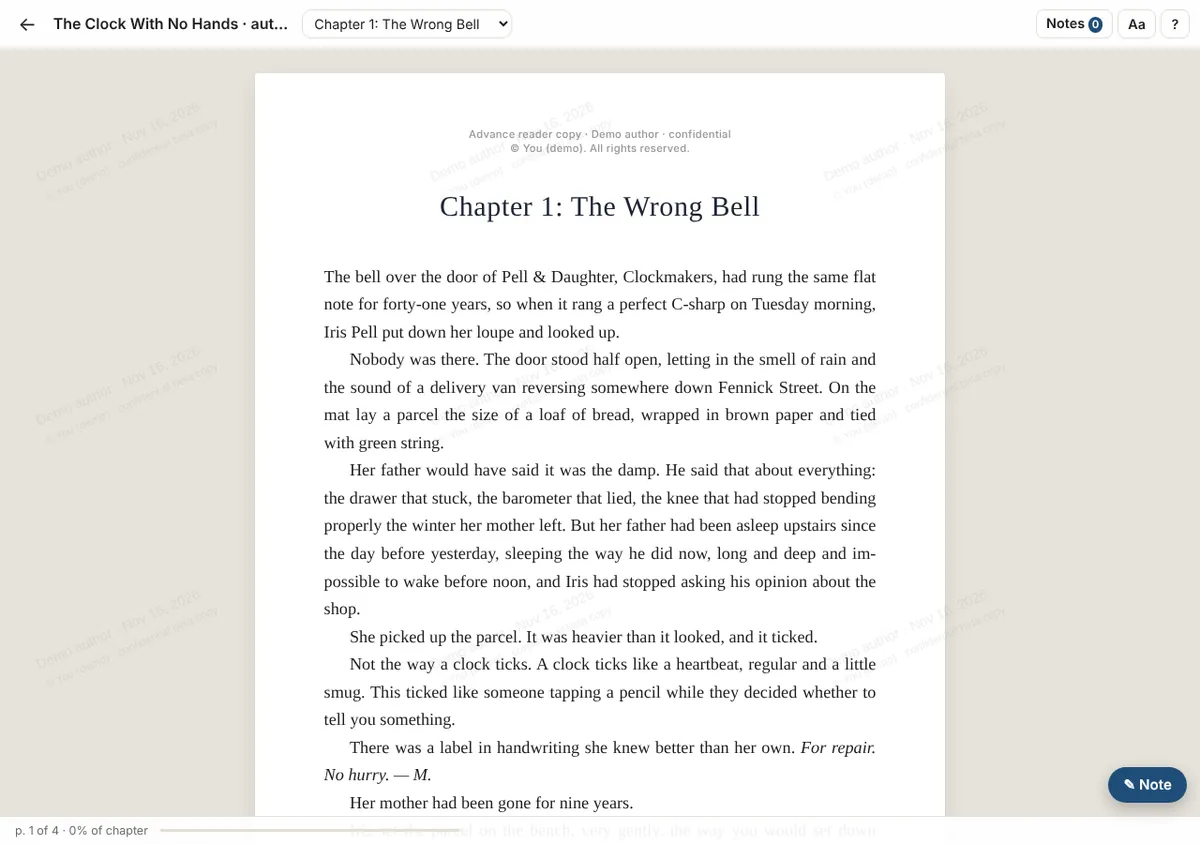
- Read in your browser on any device. You pick up on the same page every time.
- Choose Page or E-reader view, Light, Sepia or Dark, and a serif or sans font.
- Install puts the reader on your home screen like an app.
- At the end of each chapter you can say how it worked for you (optional; it saves as you go).
- Tap ? in the reader any time for how it works.
It’s a confidential advance copy: copying, printing and saving are turned off, and every copy is marked with the reader’s name.
Related
- Leaving notes for the author · Tap Note on any page: a typo, a confusing moment, a continuity slip, or a line you loved.
- Final thoughts and reviews · When you finish: answer the author’s questions, and if you like, write a public review.
Still stuck, or something here is wrong? Tell us and we’ll fix it.