

Formatting is where many self-publishing projects stall: margins, fonts, page sizes, ePub validation, and a dozen fields for every store. The Press and its companion tools help you format a book for KDP and every other store from the manuscript you wrote in the Writing Desk, and keep every store detail in one place.
The Press
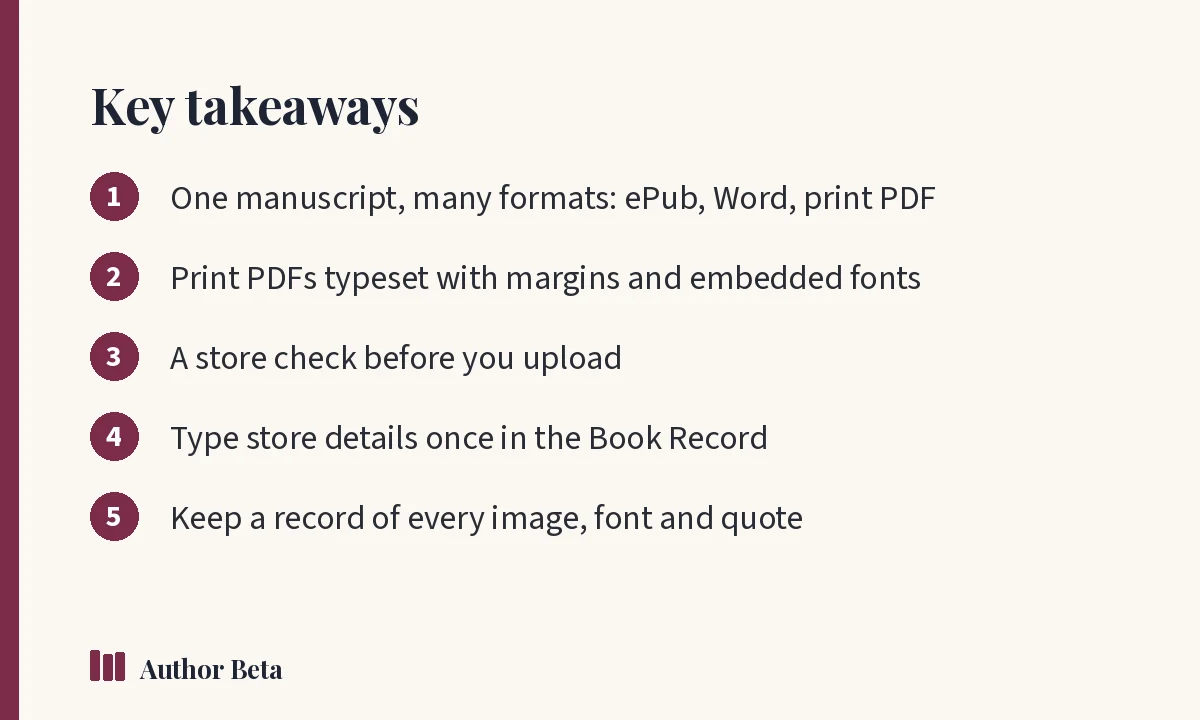
What it does for you. ePub for every store, Word for agents, and print PDFs typeset for KDP and Barnes & Noble with the right margins, embedded fonts and a store check.
How to use it. In the Writing Desk, open the Press, choose your formats and trim size, check front and back matter, and compile. Review the store check results, fix anything flagged, and download your files. The Press is part of the whole Writing Desk. See The Press.
Why we built it. Formatting software is often expensive, separate from where you write, or limited to one platform. Compiling straight from your manuscript removes copy-and-paste errors and lets you rebuild every format in minutes after a change.
Format a book for KDP: what matters
When you format a book for KDP or any print service, a few details cause most rejections:
- Trim size and margins: inside margins must grow with page count
- Bleed: only needed if images run to the page edge
- Embedded fonts: every font in the PDF must be embedded
- Page count: affects spine width and printing cost
- Ebook structure: a clean table of contents and valid ePub
Amazon's KDP help pages list current requirements for manuscripts and covers; check them before you upload.
Kirjatiedot
What it does for you. Every store detail for one book, typed once: description, keywords, categories, ISBNs, trim and prices. It checks them against store rules and works out your royalty per sale.
How to use it. Open the Book Record from the Dashboard or Book Hub and fill in each section. Copy fields into each store's form when you publish. See Book Record.
Why we built it. Authors retype the same details into four or five stores, and small inconsistencies creep in. Read more in book metadata explained.
Oikeudet ja avoimuus
What it does for you. Where every picture, font and quotation came from, permissions still pending, and your answers to the stores' AI questions, with a summary to keep.
How to use it. Add each asset as you use it; the Cover Studio records images and fonts automatically. See rights and disclosure.
Why we built it. Stores increasingly ask about AI use and rights. Having the answers in one place makes publishing faster and safer.
Kirjailijanimet
What it does for you. Write under more than one name: each pen name gets its own author page and book pages, under one login.
How to use it. Add a pen name in the Dashboard, then assign books to it. Available on paid plans. See pen names.
Why we built it. Many authors write in several genres under different names. Managing separate accounts is a chore.
Where this fits
Formatting comes near the end of the self-publishing checklist: after editing and before upload. For ISBNs in the US, see Bowker.
Before you upload: a final check
- Open every format on at least two devices
- Check the table of contents links in the ebook
- Look at the first and last pages of the print PDF, and a page with a chapter opening
- Confirm the page count matches your cover's spine width
- Make sure your title, author name and series match your store details exactly
A careful final check now saves a correction upload, and a reader complaint, later.
Usein kysytyt kysymykset
Can the Press create print-ready PDFs?
Yes. It typesets print PDFs for KDP and Barnes & Noble with the right margins and embedded fonts, and runs a store check.
Do I need the Book Record to publish?
No, but it saves time and catches errors, especially if you publish on several stores.
Is the Press included in the free plan?
The Press is part of the whole Writing Desk ($36 a year), and included in Author Lite and Cliff Hanger.
Kommentit