

Author Beta brings together the tools indie authors need to write, test, publish and promote a book. Getting started with Author Beta takes about an hour, and everything in this guide is free. Here's what to do first.
Getting started with Author Beta: create your account
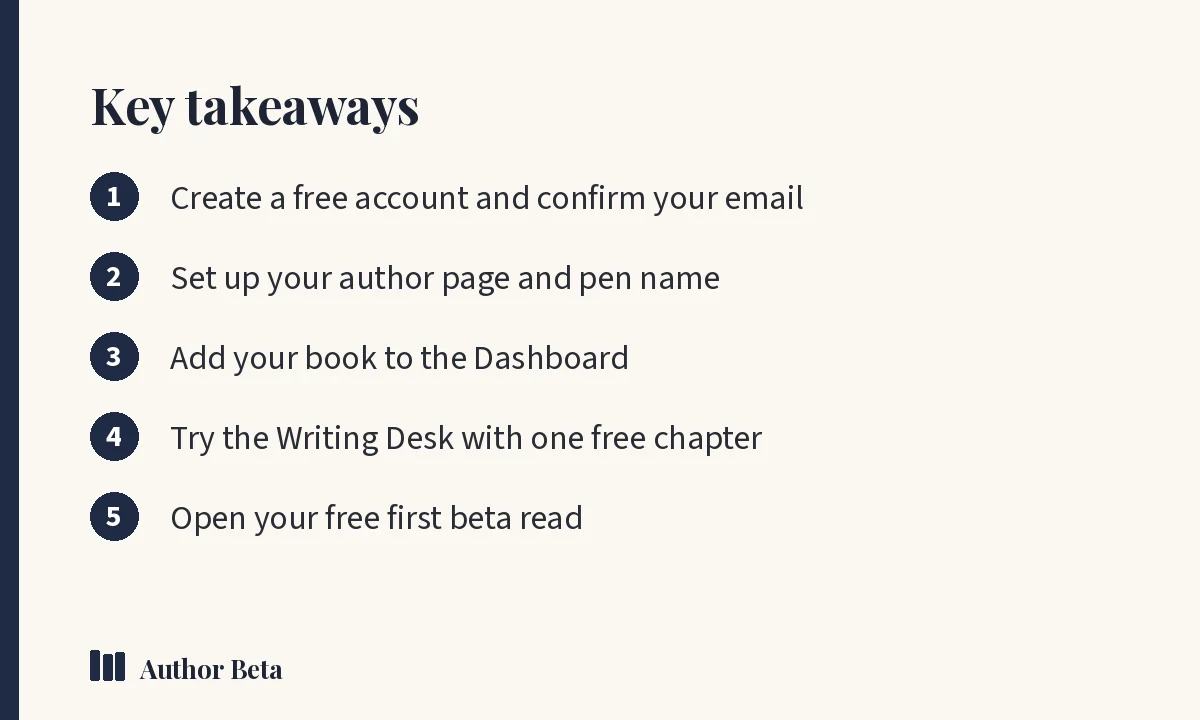
Choose Join free, enter your name, email and a password, and confirm your email from the message we send. If the confirmation email doesn't arrive in a few minutes, check spam or promotions, or use Send the link again.
Your account lets you be both an author and a reader. You can read free as a beta reader too.
Step 2: Set up your author page
Open the Dashboard and choose Author page. Add:
- Your pen name and a short bio
- A photo
- Links to your website, social profiles and stores
Choose a page address (for example authorbeta.com/your-name) and colours. Your author page is free and becomes your home base: share it anywhere.
Write under more than one name? Paid plans support pen names, each with its own author page.
Step 3: Add your book
In the Dashboard, choose + Add a book. Add the title, genre, cover and a short pitch. Each book gets its own free book page with buy buttons for every store, series order, a countdown for upcoming releases and reviews.
The Book Hub then shows that book's whole journey on one page, from plan to launch, with the one next step.
Step 4: Try the Writing Desk
Open the Writing Desk and choose New project. Free accounts get one project with one chapter, so you can try the desk properly before deciding whether you want the whole thing.
Everything at the desk is encrypted on your own computer before it's saved, so we can't read it. Try:
- Character cards and places beside your chapter
- A writing room and a timed sprint
- The grammar check, which runs on your computer
Already have a manuscript? Import it from Word, PDF, ePub, a Scrivener export or plain text.
Step 5: Open your free first beta read
Your first beta round is free, with the same tools as a paid one: up to 20 readers and up to 120 days. In the Dashboard, choose + New beta round on your book, fill in the details readers see, choose whether to list it in Open betas or share it by link, and open it.
Our tutorial on how to run a beta read on Author Beta walks through each choice. For finding readers, see how to find beta readers.
Step 6: Explore the marketing tools
Even on the free plan you have the marketing workspace, the Pitch Kit, the Post Idea Bank, templates and the social scheduler. Start with the marketing workspace's guided path; it shows one next step at a time.
When to consider a plan
Free covers a lot. Paid plans are yearly and never renew by themselves:
- Writing Desk ($36 a year): the whole desk, every chapter, compiling and the Cover Studio
- Author Lite ($49 a year): the desk plus your designed author site, blog, newsletter and author mail
- Cliff Hanger ($60 a year): everything, including a beta round every month
See Plans for the full comparison. Additional beta rounds are $5 each, or less in packs.
For a guide to the craft side of things, start with how to write a novel. For general publishing guidance beyond Author Beta, the Alliance of Independent Authors is a respected source.
Perguntas frequentes
O Author Beta é gratuito?
Yes. The free plan includes your author page, book pages, press kit, marketing tools, your first beta read and the Writing Desk with one chapter. Paid plans add more.
Do I need a finished book to use Author Beta?
No. Many authors start with the Writing Desk and marketing tools long before a beta read.
Can I be a reader as well as an author?
Yes. The same account lets you join beta reads as a reader and run your own as an author.
Comentários