

A beta read on Author Beta gives you up to 20 readers, notes pinned to the exact sentence, a reading tracker and tools to turn feedback into revisions, while your manuscript stays encrypted. This tutorial shows how to run a beta read from start to finish.
Before you start
You'll need:
- A book in your Dashboard with its manuscript (write it in the Writing Desk or import it)
- A cover, or we'll make a clean typographic one
- A short welcome note and a few questions for readers
Your first round is free. After that, each round uses one promotion: $5 each, 5 for $20, or 12 for $40 (see beta rounds and promotions).
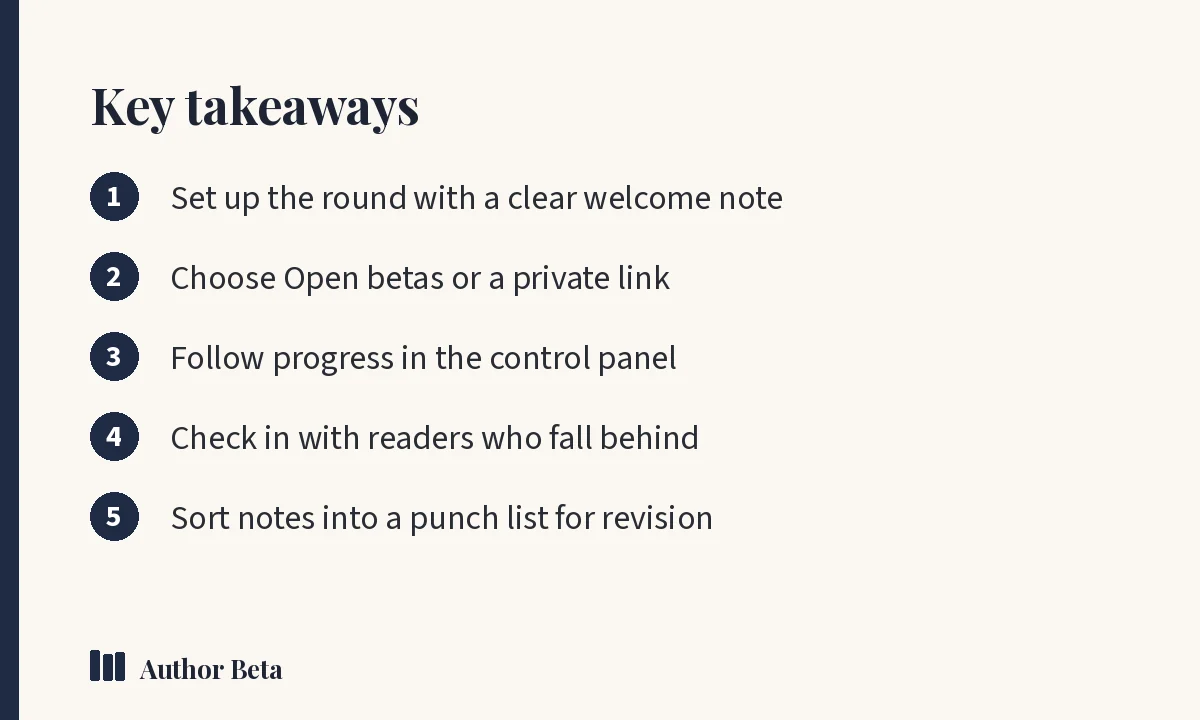
Step 1: Create the round to run a beta read
In the Dashboard, choose + New beta round on your book. Fill in:
- The book: title, genre, a one-line tagline, the blurb, content notes and cover. This shows on your public beta page.
- The round: when reading opens and closes, and how many reader spots (up to 20). When spots fill, sign-ups go to a waiting list.
Full details are in Set up and open a beta round.
Step 2: Choose who can find and join it
- Listed in Open betas: any reader can find it and request a spot.
- Link only: only people you share the link with can join.
You can also limit a round to proven readers at a reader tier you choose, which is useful for a final polish.
Step 3: Write a welcome note and questions
Tell readers what stage the book is at and what feedback helps most. Add questions, one per line; readers answer them in their final thoughts. Our list of questions to ask beta readers has 25 to choose from.
You can add an optional thank-you, which is never tied to a positive review.
Step 4: Open the round and invite readers
Choose Open this beta read. Share your beta page link wherever your readers are. If you need readers, see how to find beta readers.
The first time a reader joins, their browser receives your book's key. If they see "waiting for the author's key", your browser hands it over automatically the next time you visit, or use 🔑 Hand out keys now in the Dashboard.
Step 5: Follow the reading
Open the round's control panel to see:
- How far each reader has got
- Where interest dropped and which chapters readers loved
- Every note, pinned to its chapter, paragraph and the words quoted
See the control panel in Help.
Step 6: Check in with readers
Life gets busy. Reader check-ins let you email the readers you choose, with their own pages read and your deadline filled in. Readers who can't finish can give up their spot, and the next person on the waiting list gets it.
Step 7: Turn notes into a revision plan
When the round closes, sort reader notes into a punch list: a revision checklist you can work through. You can also export your manuscript with notes in the Word margins for an editor.
Our guide on using beta reader feedback explains how to spot patterns and decide what to change.
Step 8: Use the results in your marketing
With readers' permission, Reader Proof turns your beta read into marketing: chapters readers loved, how many finished, and quotes you can use.
Your manuscript stays protected
Your book is encrypted before it leaves your computer. In the reader, copying, printing and saving are turned off, every page shows the reader's name, and each copy carries invisible marks that can trace a leaked passage. Readers agree to keep the book confidential and not to use AI on it. Read more in how Author Beta protects your manuscript.
For broader context on working with readers and editors, the Alliance of Independent Authors offers free guidance.
Domande frequenti
How long should a beta read run?
Many authors choose four to eight weeks for a full novel. Rounds can run up to 120 days.
How many readers should I invite?
Up to 20 per round. Many authors aim for eight to fifteen, since not every reader finishes.
Can I hand a round to my editor?
Yes. Tick "This round is for my editor" for a private round with one reader spot, shared only by its link.
Commenti