

Corkboard
Your chapters as index cards: drag to reorder, write a synopsis on each card.
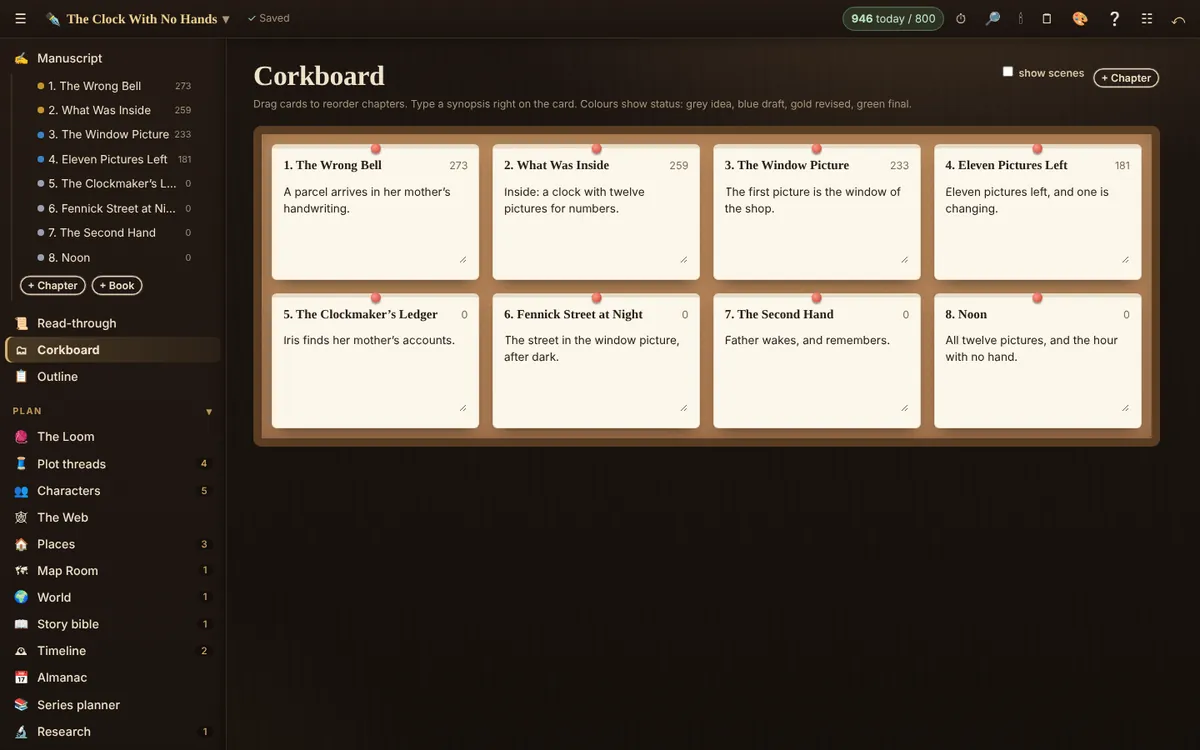
- Every chapter is a card. Drag cards to reorder chapters.
- Type a synopsis right on the card.
- Card colours show status: grey idea, blue draft, gold revised, green final.
- Tick Scenes to see scenes as cards too. Pick another book from the list in a series.
Related
- Disposition · Every chapter and scene in a table: status, point of view, place, words and synopsis.
- The Loom (plot grid) and story structures · Every plot thread against every chapter, plus Blueprints: story structures laid over your chapters.
- Writing: chapters, scenes and the editor · Add and reorder chapters and scenes, format text, scene breaks, word targets and statuses.
Still stuck, or something here is wrong? Tell us and we’ll fix it.