

Choose your room
26 looks for the desk around your page, or make your own from any two colours. The page itself always stays paper.
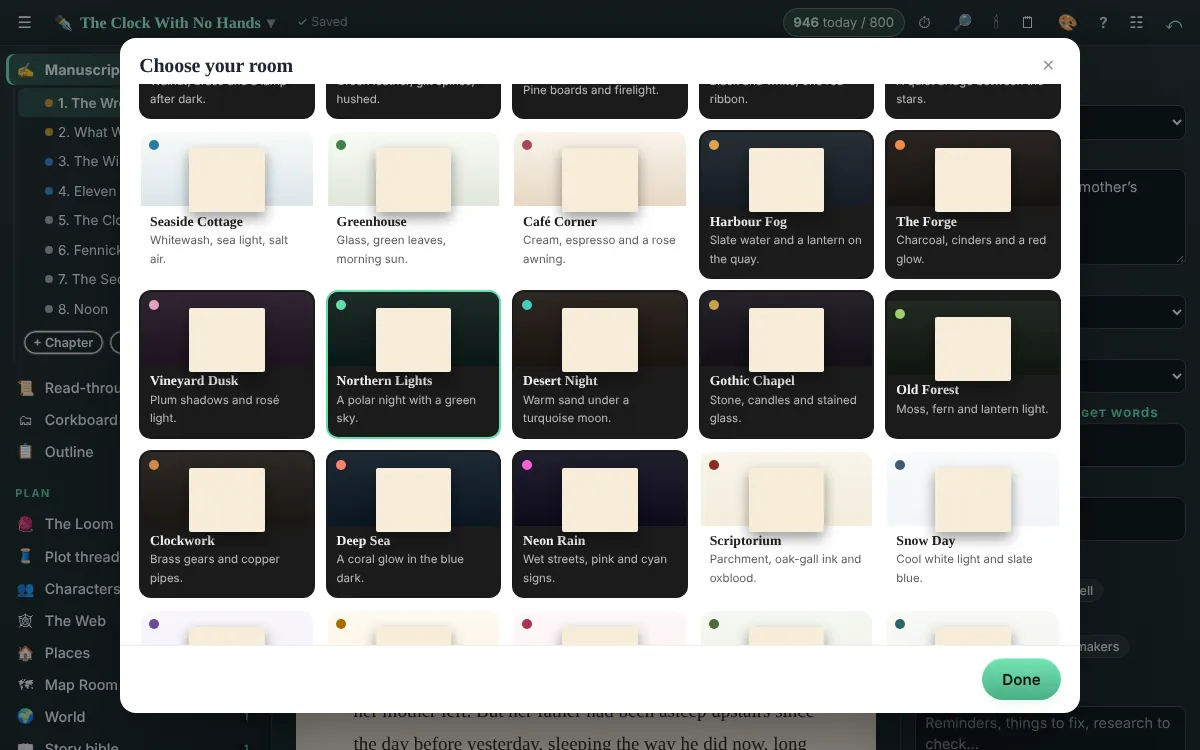
Press 🎨 in the top bar (or on the desk’s home page) and pick a room. There are 26:
- Dark rooms: Lamplit Study, Midnight Library, Cabin in the Pines, Typewriter Noir, Night Watch, Harbour Fog, The Forge, Vineyard Dusk, Northern Lights, Desert Night, Gothic Chapel, Old Forest, Clockwork, Deep Sea and Neon Rain.
- Light rooms: Seaside Cottage, Greenhouse, Café Corner, Scriptorium, Snow Day, Lavender Field, Sunroom, Cherry Blossom, Sage Kitchen, Nordic Loft and Adobe.
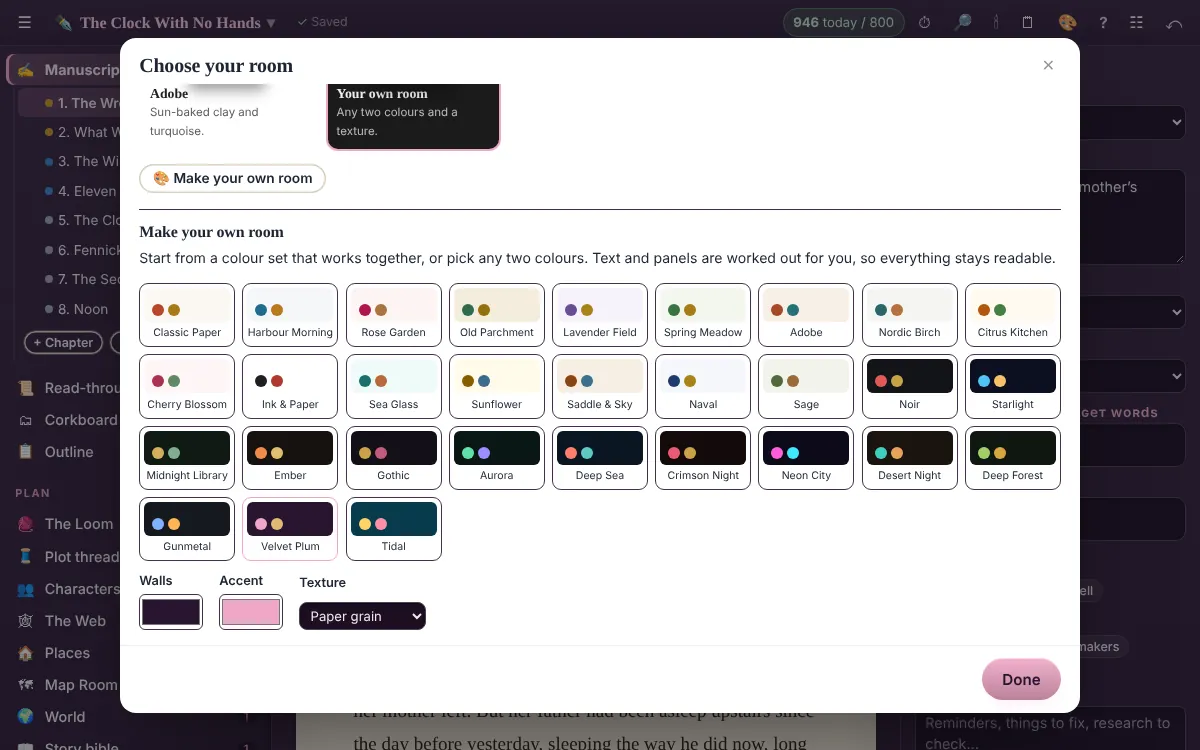
Make your own room
Press 🎨 Make your own room (or pick Your own room). Start from one of 30 colour sets that work together, or choose any two colours, the walls and the accent, plus a texture: plain, paper grain, wood boards, linen, stars, window panes, awning stripes, dots or ripples. The desk changes as you choose. Panels, lines and text colours are worked out for you, and if an accent would be hard to read it’s nudged just enough to stay clear.
Same desk, same words, different room. Your page always stays paper-coloured so it’s easy to read. The room is remembered on that computer.
Choosing a room comes with the whole desk. The Lamplit Study is always yours.
Related
- Lampläge · Hide everything but the page. Esc brings the room back.
- Project settings · Title-page details, how the editor looks, typewriter scrolling, and backups.
Still stuck, or something here is wrong? Tell us and we’ll fix it.